Skip to content

You didn’t open a salon to run software.

You already know how to run your business. So say what you need, the way you’d say it to a good manager. RunLight works out what it touches, gets everything ready, and brings you the decisions that are yours.

Start free

Free Presence, for as long as you like. RunLight Booking is CAD $35 a month for one location, $65 for multiple. Unlimited stylists. Prices before applicable tax.

A different deal

Most business software gives you a place to do the work. RunLight does the work and brings you the decision.

What you stop doing

  • Checking five screens before your first client
  • Hunting for the setting
  • Typing the same hours into Google, Instagram and your site
  • Being the only one who remembers

What stays yours

  • Your prices, your policies, your clients
  • Every yes that matters
  • The booking tool you already use, if you like it
  • Your Friday evenings
One Saturday at Studio Maren

That was one sentence. Here’s a whole day of them.

Five moments between 8:40 and closing. In each one Maren says a sentence or taps yes, and goes back to the person in her chair.

Maren says it once

“Open Saturdays at 9 from now on.”

GoogleInstagramWebsiteBookingsAssistants

✓Right in six places by 8:41

maya.l · Instagram

“How much is a gloss?”

It’s $65, and I’ve got Thursday at 2 if you’d like it.

✓Drafted from the Passport · sent by Maren

Jordan K. · booking from her phone

Colour · Friday 10:00

Deposit $40 paidReminder setChair 1 held

✓On the calendar. Maren didn’t stop working.

Jo, on Maren’s team · 3:05

“I can’t come in tomorrow.”

4 move to Alex2 offered new times1 deposit waits for you

✓One approval, itemised. Six clients looked after.

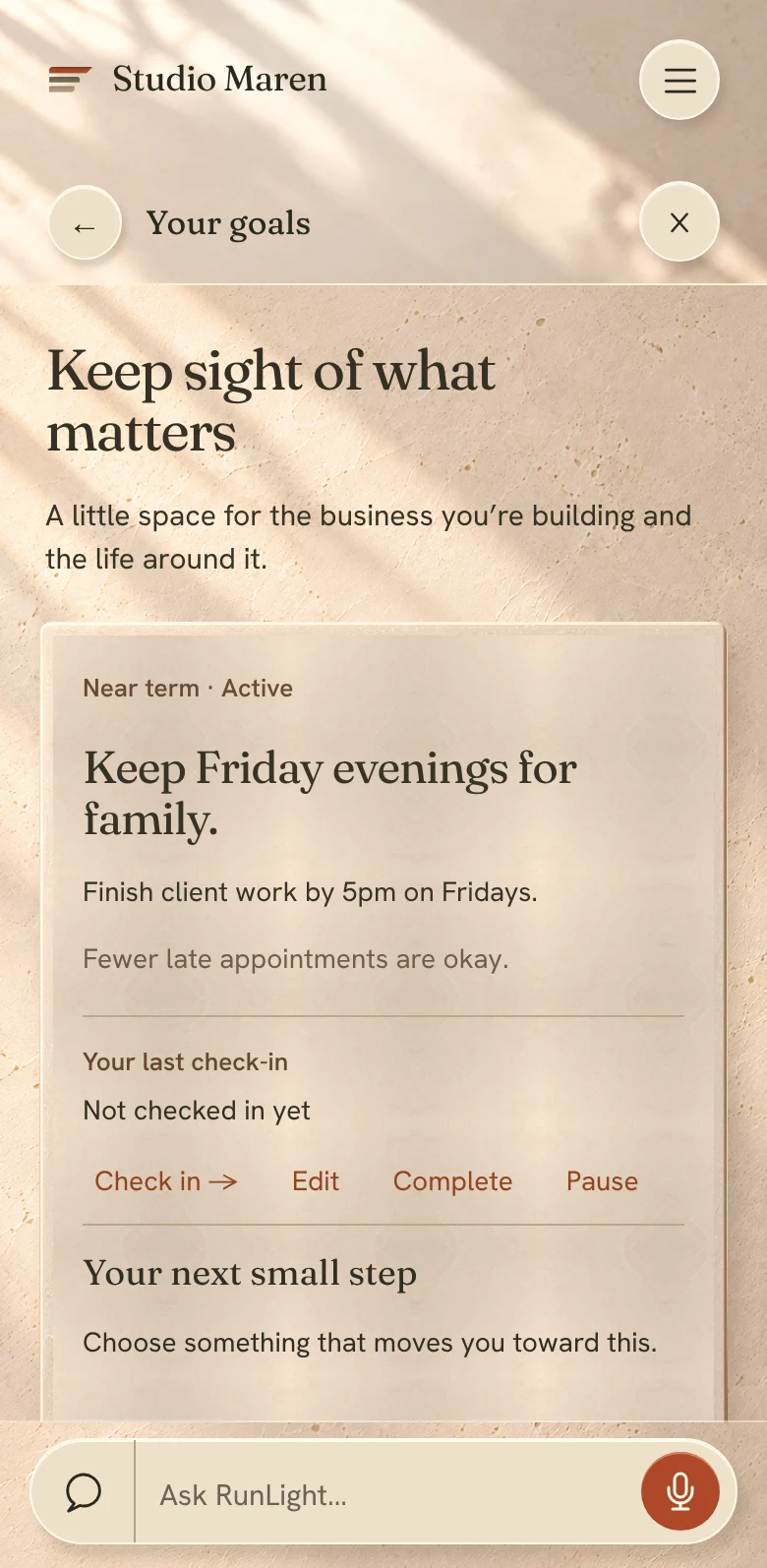
Maren’s goal · four-day week

$2,410 of $2,900 this week.

✓Friday evening still free

Run the business · 8:40

Say it once. It’s right everywhere.

Your hours live in five places and none of them talk to each other. Your Passport holds the truth once: hours, services, prices, policies, the people who work there. Change it and RunLight carries it to every place it can reach. Where a place needs you, the change is ready for one tap.

A salon owner checking a tablet at the front counter while a stylist works behind her
Saturday, 8:40. Maren decides to open at 9 from now on.
Studio Maren · Passport
Saturday · 9:00 – 5:00
Was 10:00 – 5:00 · changed by Maren
Your RunLight pageShows 9:00
✓
Your booking calendarSaturday opens online at 9:00
✓
Instagram repliesAnswers about Saturday use 9:00
✓
Clients’ own assistants“Is Studio Maren open Saturday morning?” Yes, from 9.
✓
Google Business ProfileReady for one tap

You approve: Saturday hours 9:00 – 5:00 on your Google profile. Nothing else changes.

Your Squarespace siteStill says 10:00. The new line is written for you.

“Saturday 9:00 – 5:00”, ready to paste into your Hours block.

One change, six places. Two need you, and both are ready.
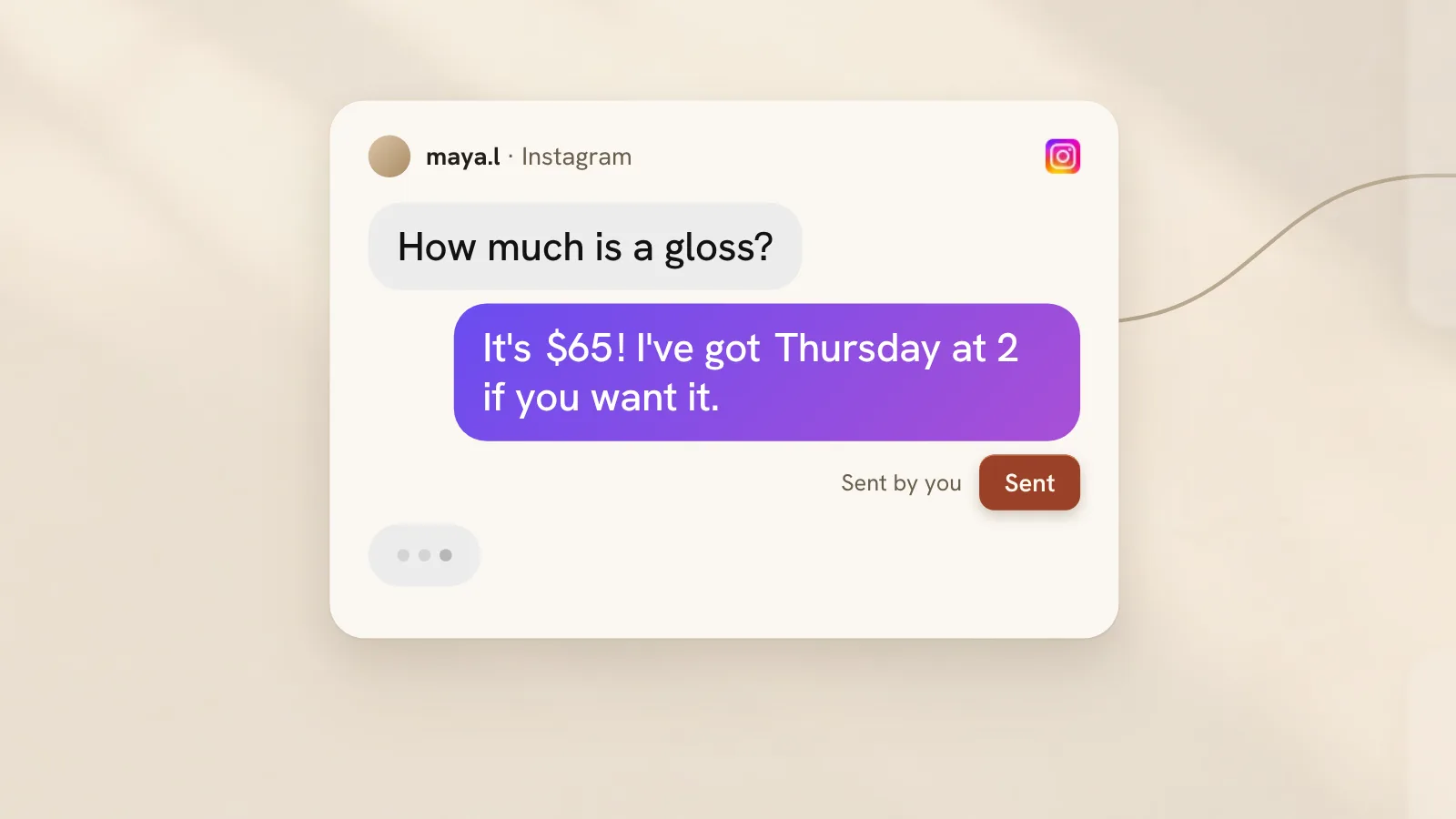
Film still: a client asks on Instagram how much a gloss is, and the owner has sent the drafted reply 48s · sound
It notices before you do

A client asks the price. RunLight checks it against the truth, notices Google is wrong, and asks you one question.

The reply is drafted from your Passport and sent by you. Google gets fixed with your one tap. Then it goes quiet.
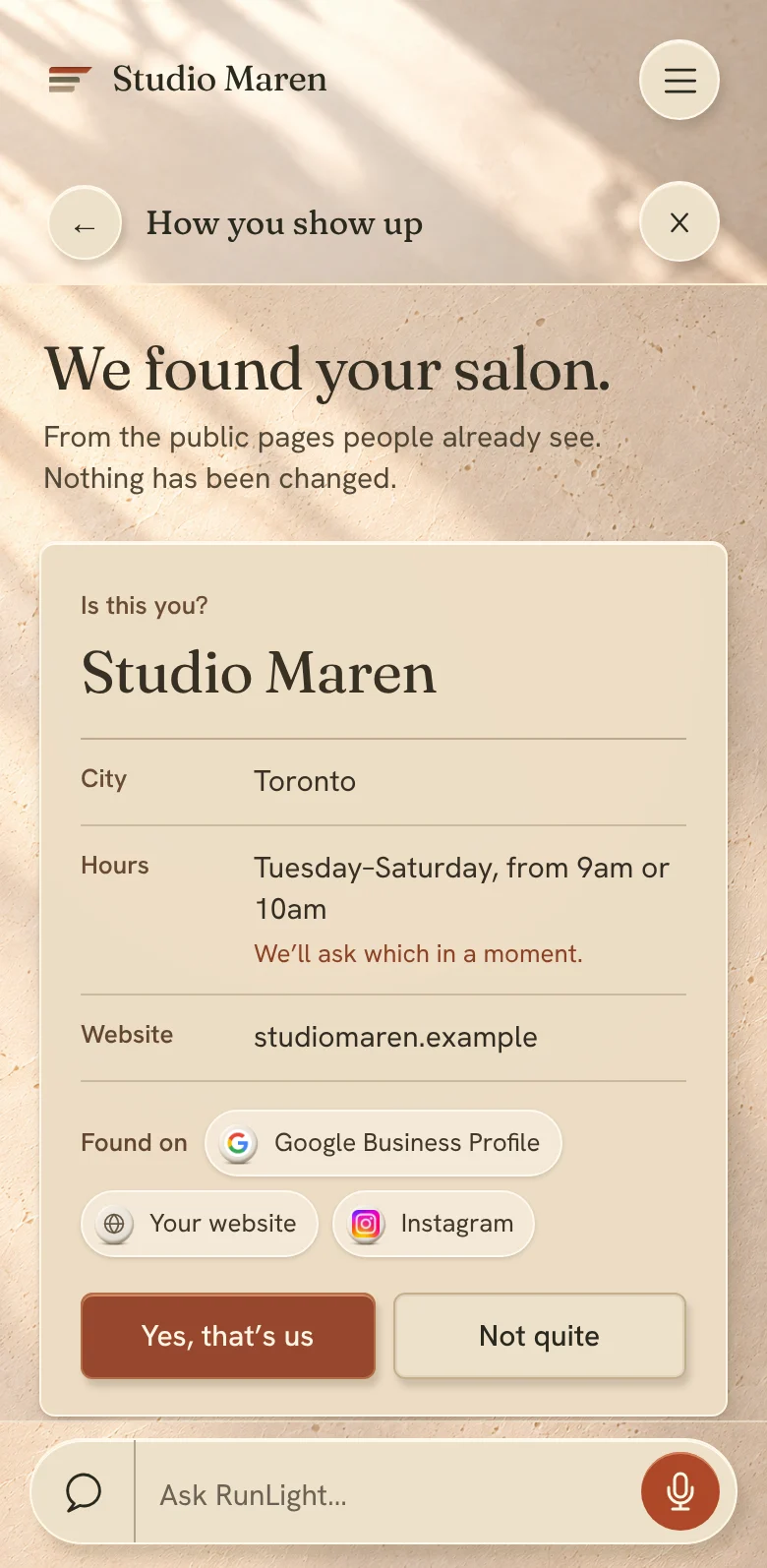
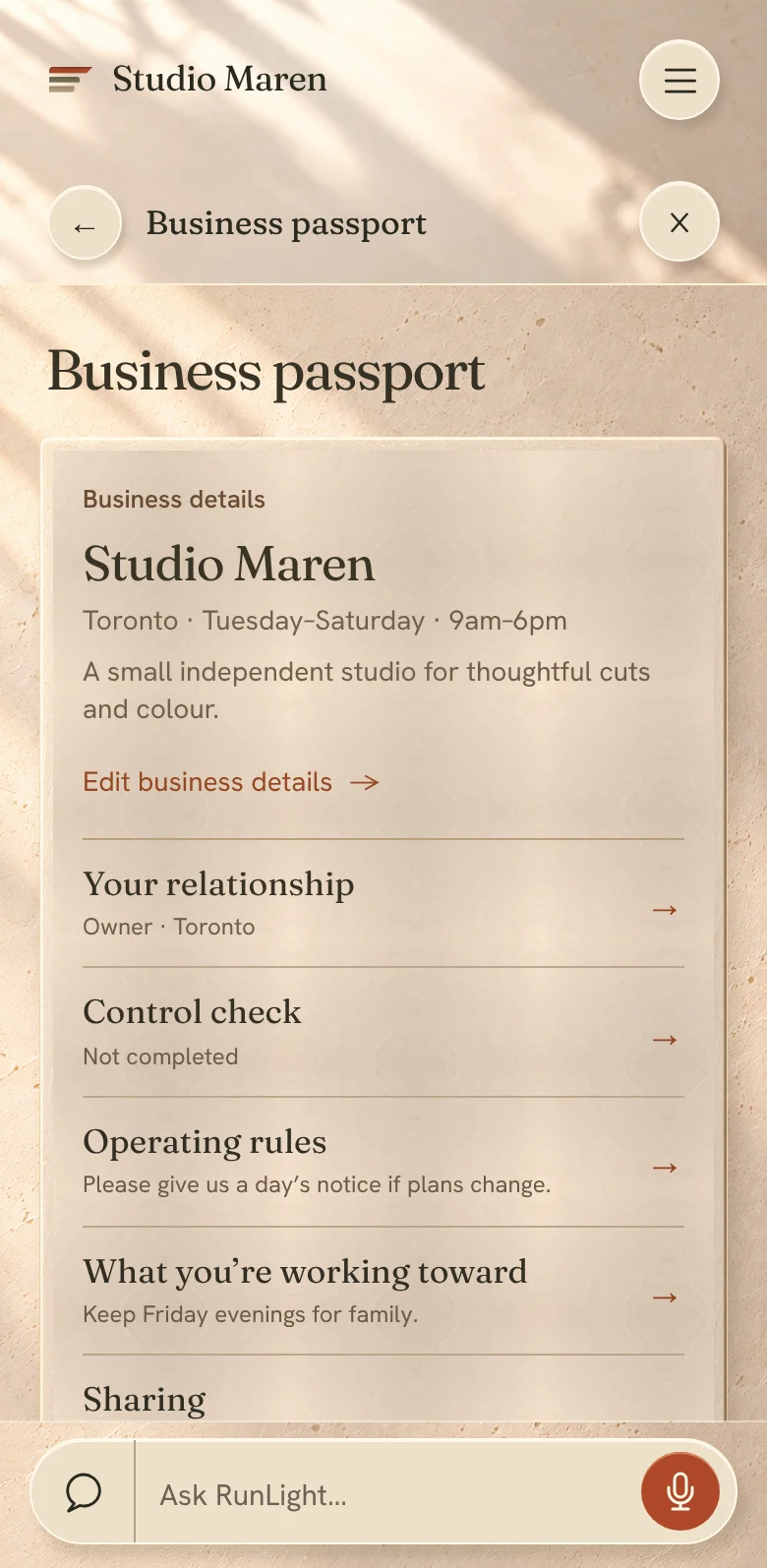
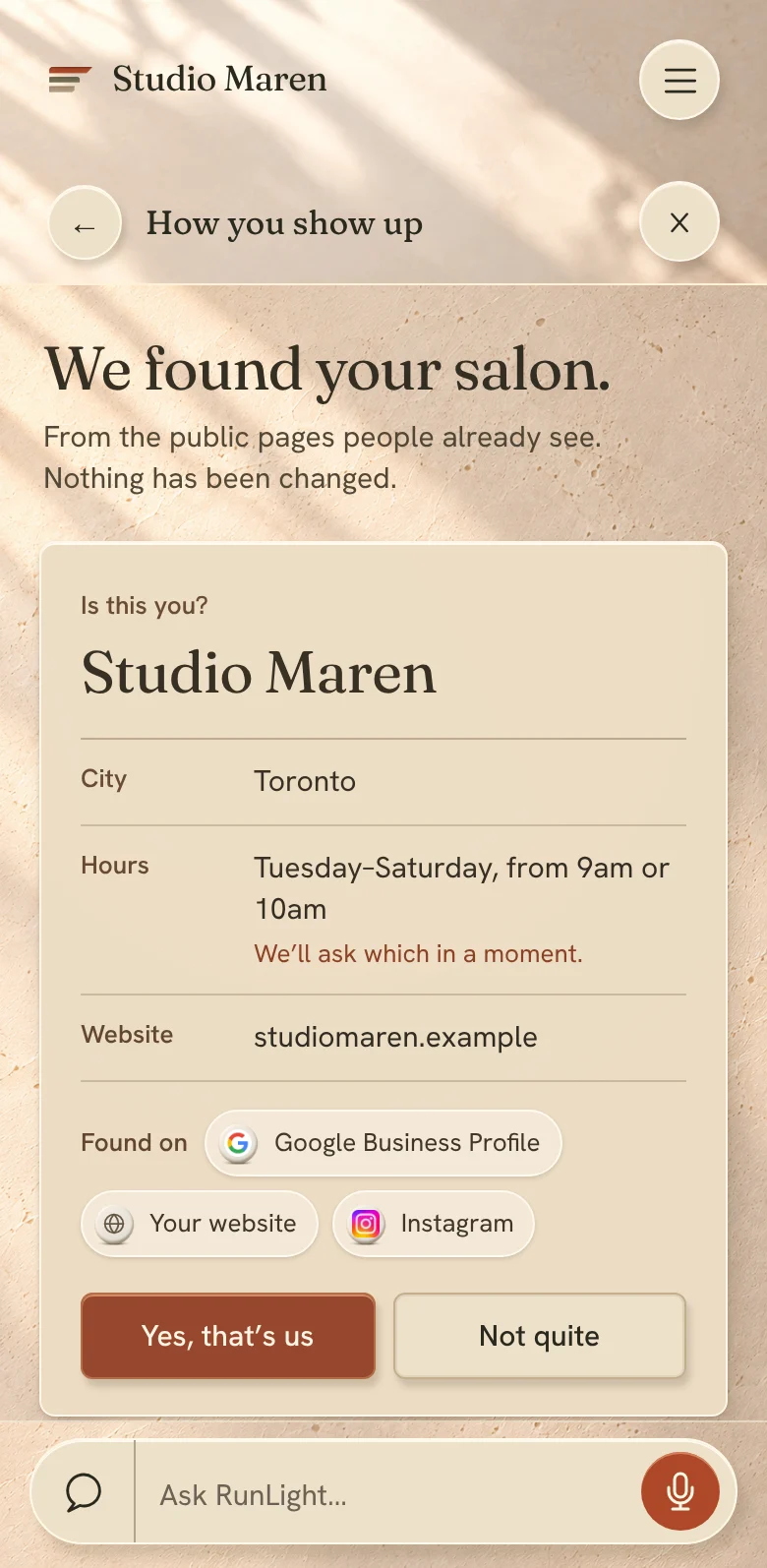
The RunLight app: We found your salon. Is this you?
The app

Daylight, texture and one thing at a time.

1
“We found your salon. Is this you?”

It starts from what the public already sees, then asks one question at a time, in your words.

2
Quiet when all is well

Each place shows one line. A dot appears only when something needs you.

3
It does the typing

Ask in plain words, by voice or text. It fills things in and you confirm.

Talk to clients · 10:15

Every question answered, in your voice.

Clients ask wherever they are. RunLight reads each question, checks it against your Passport and your calendar, and has the answer ready. You send it with one tap, or let the routine ones go by themselves.
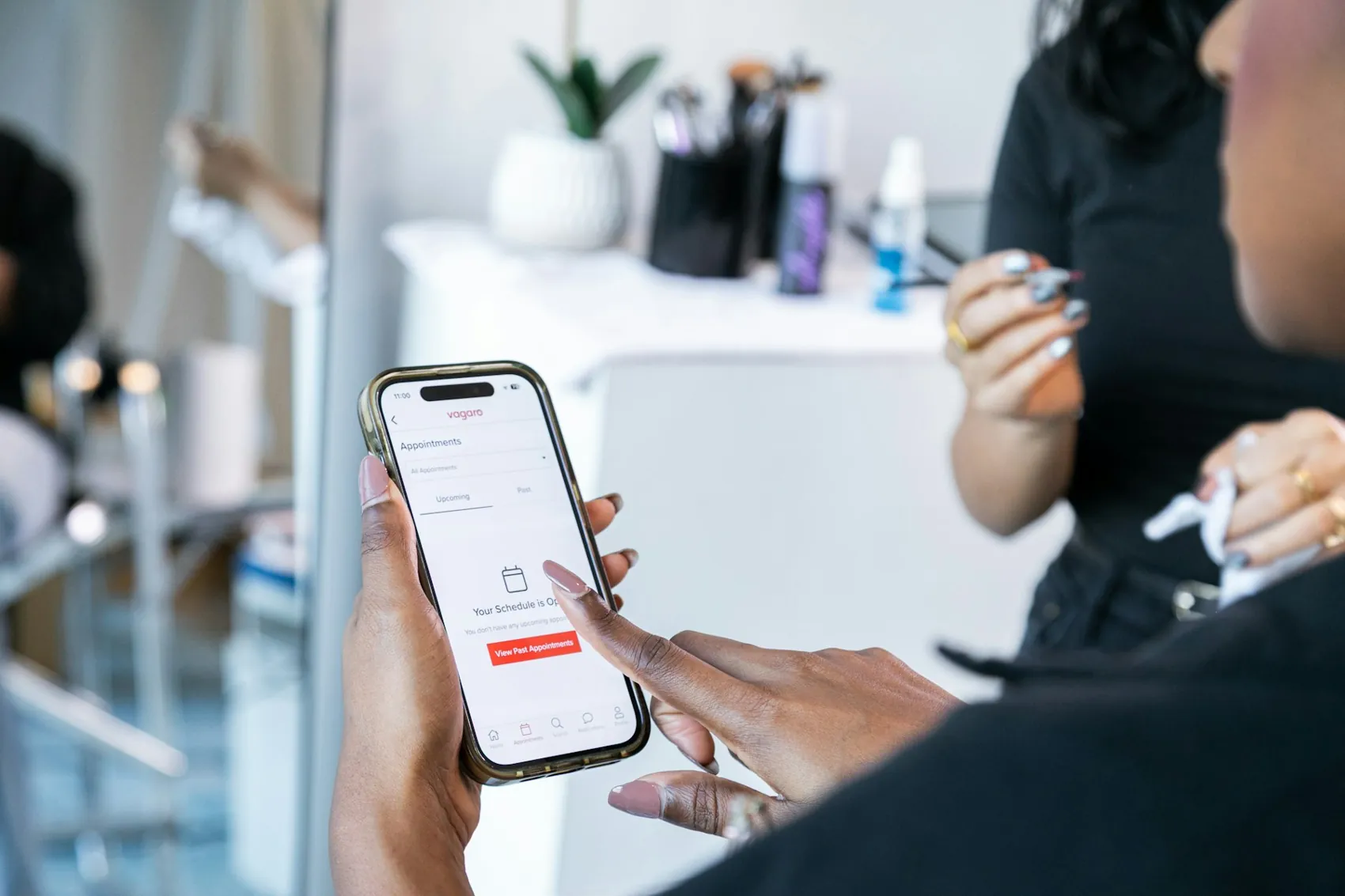
A nail technician glancing at a phone between clients
Between clients. Ten seconds is enough.

Goes out by itself

The messages you’ve approved once, sent every time.

  • ✓Booking confirmations
  • ✓Reminders the day before
  • ✓“Your spot opened up” to the waitlist
  • ✓Aftercare the evening of the visit

Waits for your tap

Anything written fresh in your name.

  • Replies to questions
  • Changes to someone’s appointment
  • A note to regulars about a price
  • Anything about money

Stays quiet

RunLight never guesses. If your Passport doesn’t have the answer, it asks you one question instead of making one up.

How RunLight uses AI
Take bookings · 1:30

Booked while your hands are busy.

A client picks a service and a time that’s truly open, pays the deposit your policy asks for, and lands on your calendar with the chair held and the reminder set. Try it as Jordan.

runlight.ca/studio-maren

Maren’s Friday, as she sees it. Nothing here needs her.

A stylist caping a smiling client in a busy salon

Your clients shouldn’t feel your bad day.

Some mornings start with a text you didn’t want to send. RunLight gets everyone looked after, and leaves you the decisions only you can make.

Coordinate the work · when plans changeStudio Maren · year one, Maren on her own

Not every day goes to plan.

Tell RunLight “I’m out sick today.” It works out who’s affected, what to tell them and what to change, and lays it out as a few clear choices. Nothing is sent, closed or posted until you say yes.
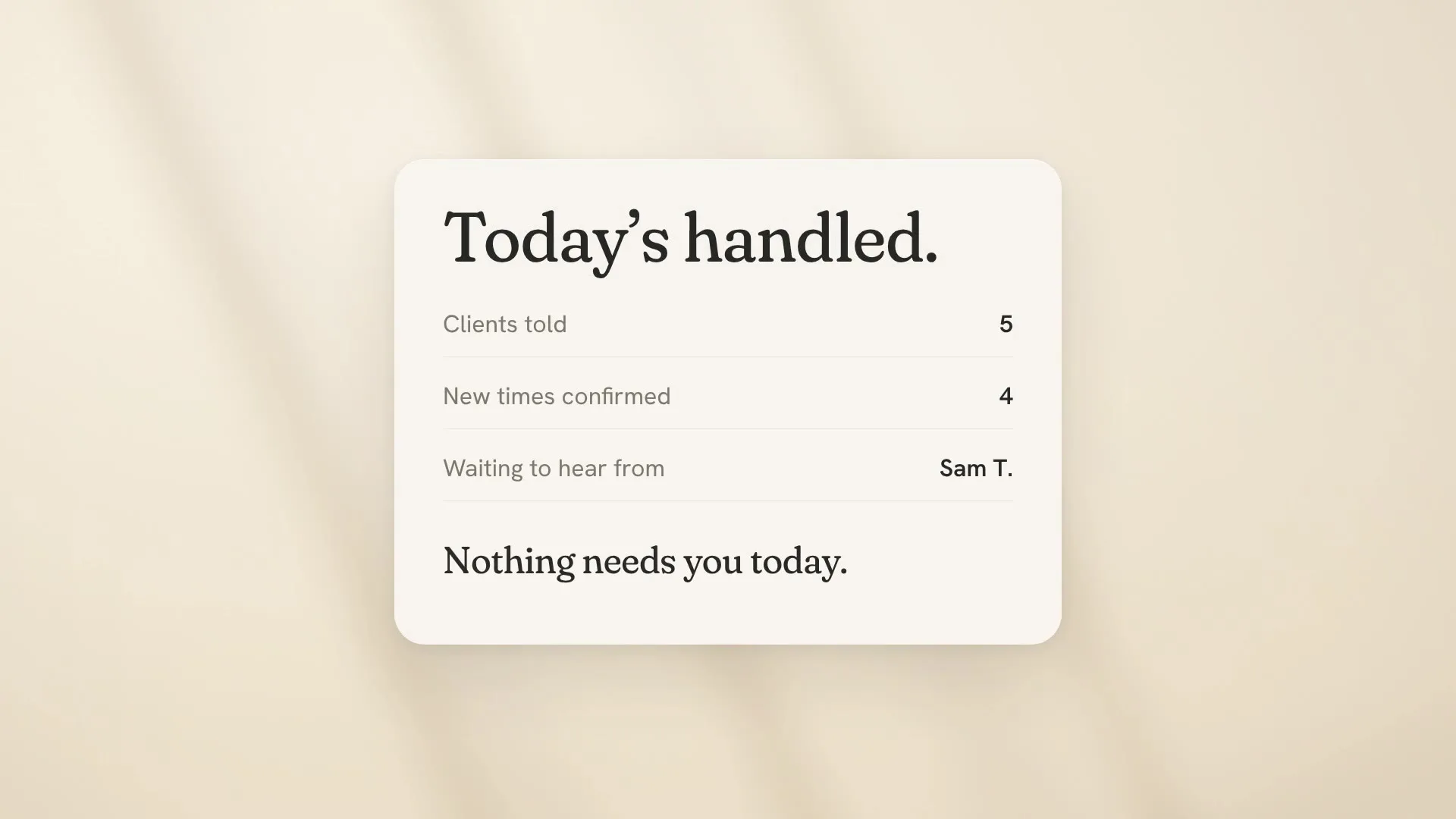
Film still: Today’s handled. Five clients told, four confirmed, waiting to hear from Sam T. 42s · sound
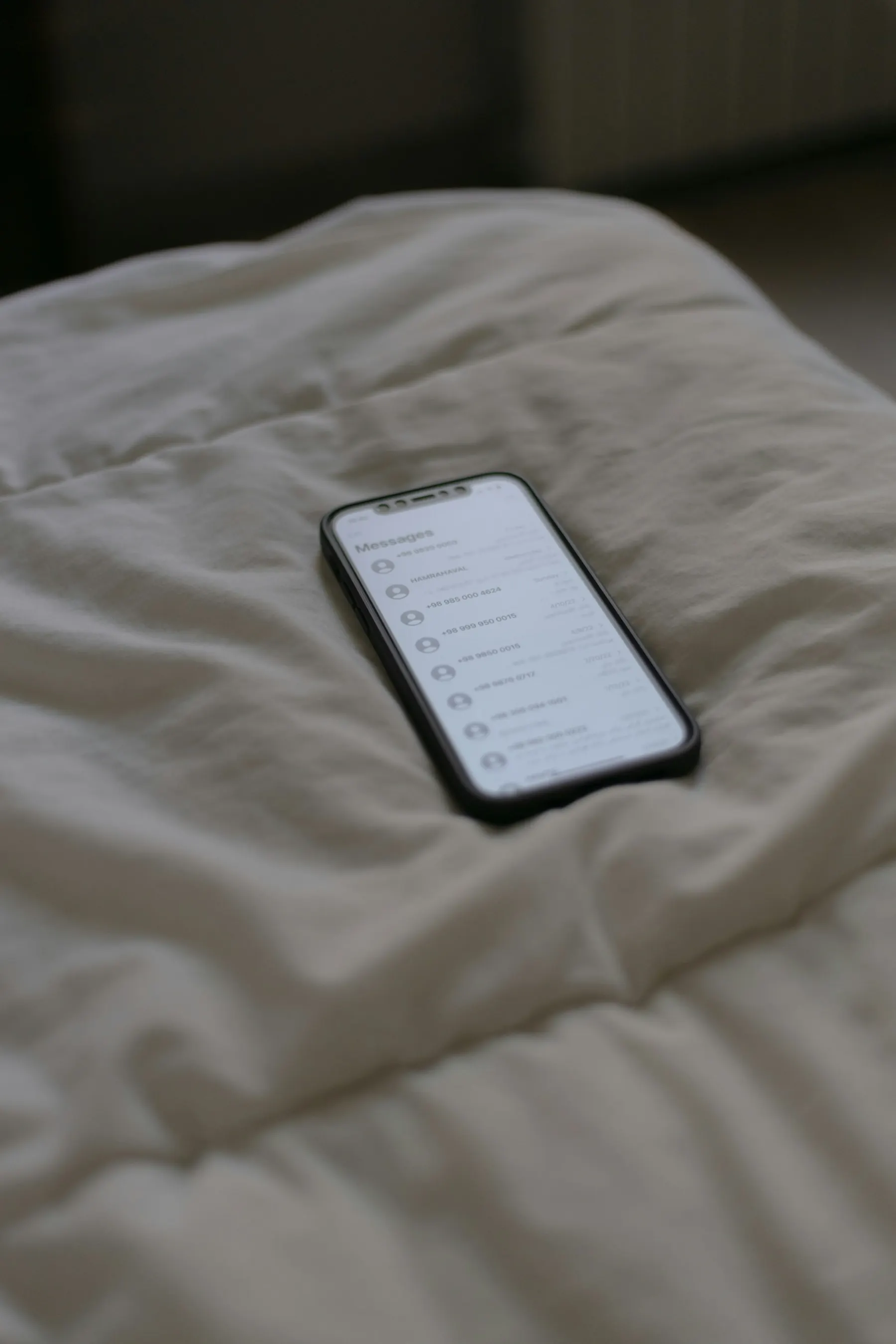
A phone lying on rumpled bedsheets 7:12
Woke up sick. Can’t do today.Maren · to RunLight

Here’s what I’d do. Change anything.

How long
Your clients
Google
Instagram

Nothing is held, sent or changed while you’re choosing.

With a teamStudio Maren · year three, four on the floor

The whole floor rearranges, and nobody is moved without a yes.

Three years on, Studio Maren is four people. Jo calls in sick. RunLight works out who can move to Alex at the same time, who’d rather wait for Jo, and what each client is offered. Press play, then approve it yourself.

Shape the business · 6:30

Earn the same in four days.

A report tells you what happened. RunLight asks what you want. Tell it, in your words. It reads your real weeks and lays out options, each with its evidence and its trade-off. You choose. Nothing changes until you approve each step.

Maren’s goal · in her words

Earn what I earn now, in four days. Keep Friday evenings for family.

Success looks like
Four working days, about the same each week.
Trade-off that’s okay
A longer Thursday.

From her last 12 weeks

Tue
Wed
Thu
Fri
Sat
Average week, five days$2,940
Wednesday, average$360
Regulars who usually come Wednesday4
Waitlist asking for after 5 pm6 people
Colour processing time free each week3 h 20 min

Counted from her own calendar and waitlist. Where RunLight doesn’t know, it says so.

Wherever you are

Hands in the bowl? Say it out loud.

There’s no screen you have to be at. Speak, type at the counter, or ask from the assistant you already talk to. RunLight answers from your real calendar, shows where the answer came from, and gets the work ready. You say yes.

The RunLight appChatGPTClaude

Your assistant and your clients’ assistants
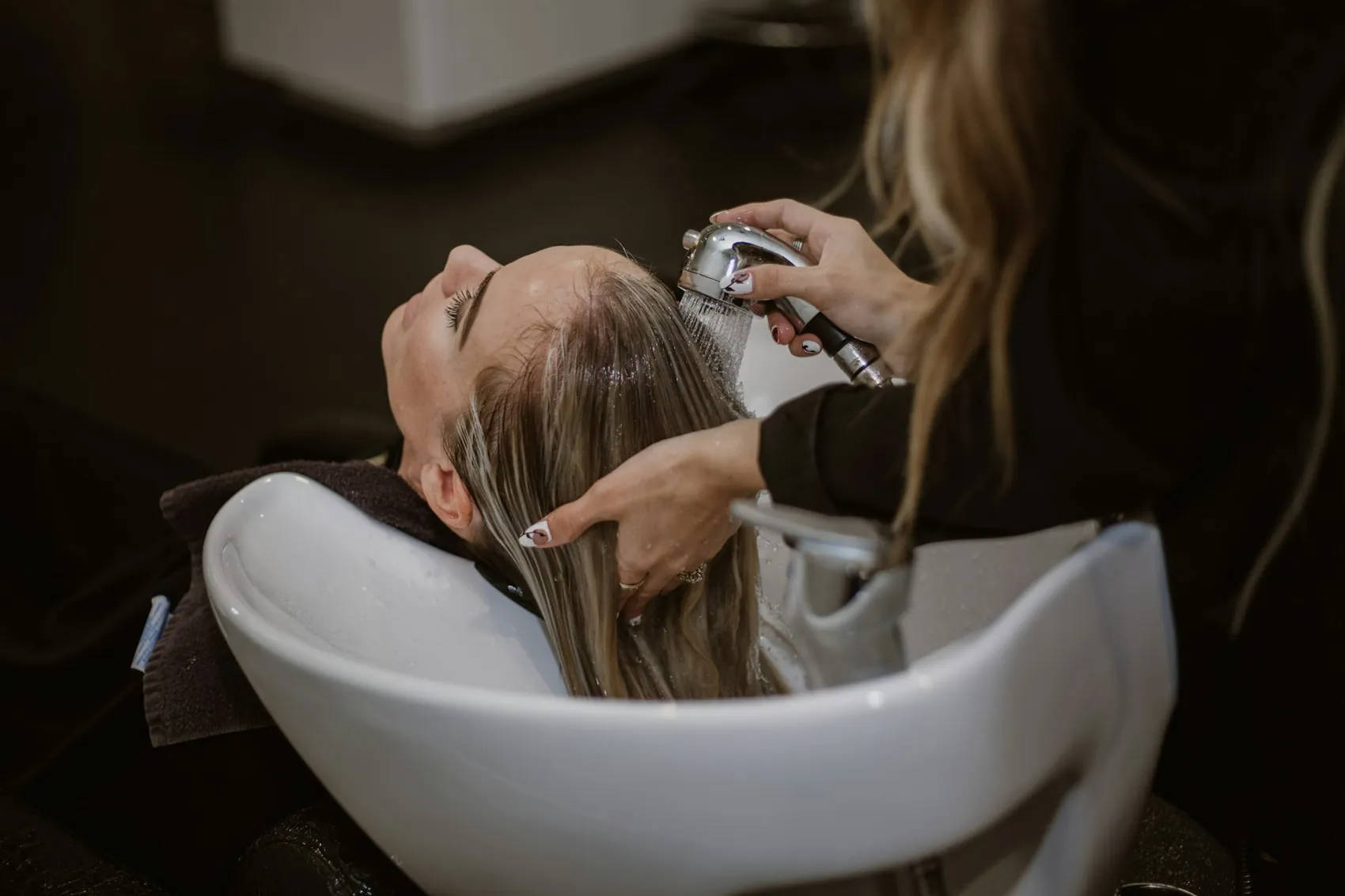
A stylist washing a client’s hair at the bowl
Will this fit my business?

It learns your business. You don’t learn it.

I do
I work
Pricing

Free for as long as you like. Two prices when you want more.

Yours to keep
$0

Free Presence. Your Passport, your page and answers for your clients, around the booking tool you already use.

Start free
One location
$35 CAD / month

RunLight is your calendar. Unlimited stylists, 200 SMS credits a month.

Start with one location
Multiple locations
$65 CAD / month

One subscription for all of them. Unlimited stylists, 500 pooled SMS credits a month.

Start with multiple locations

What you never payPer stylistPer appointmentFor a call with salesAll pricing
A brick shopfront with flowers in the window on a quiet street

Don’t set anything up. Start with what’s already out there.

Type your salon’s name. RunLight finds it on Google, your website and Instagram, shows you where they disagree, and you take it from there. Free.

For your business

Built around how you actually work.

Pick what you do and how you’re set up. Everything below becomes that business: its day, its hard days, its goals and its price.

I do
I work
Booking

Take bookings the way your clients already live.

From your page, your own website, a link in your bio or the assistant on their phone. Every booking is a time that’s truly open, under policies you set, on a calendar that understands how a salon works.

A client checking his phone in a barber’s chair
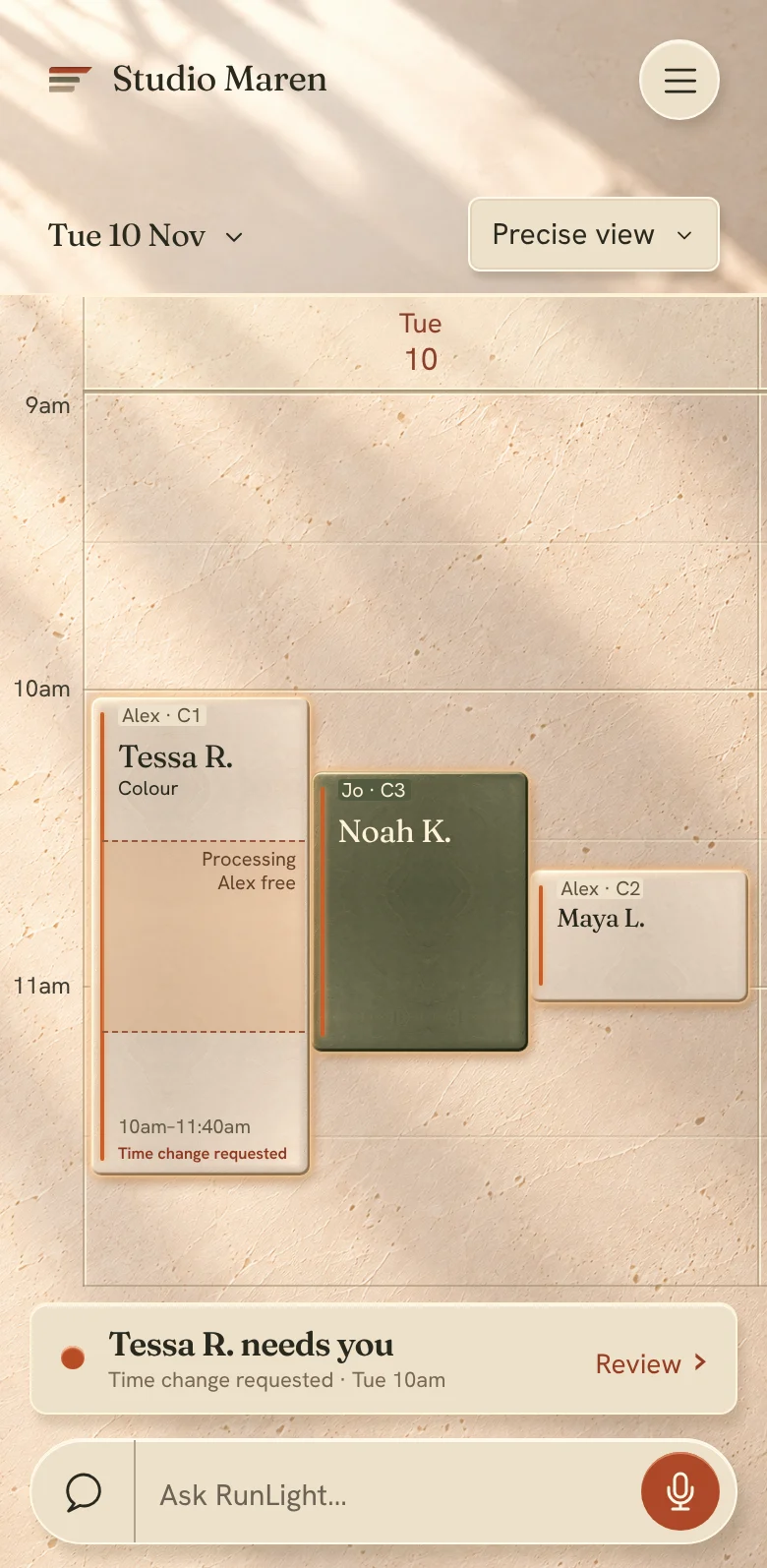
The RunLight calendar with the day’s appointments as tiles
Where clients book

One calendar behind every door.

Your RunLight page

A page for your business with services, prices, your people and open times, straight from your Passport.

runlight.ca/studio-maren

Your own website

The same booking, inside the site you already have. It looks like yours and comes back to your page when it’s done.

studiomaren.ca/book

Links where they find you

One link for your Instagram bio, your Google profile and your texts. It always opens the right place.

Book · link in bio

Their own assistant

“Book me a gloss at Studio Maren on Thursday.” Their assistant asks RunLight, and gets real times and your real policies.

ChatGPT · Claude
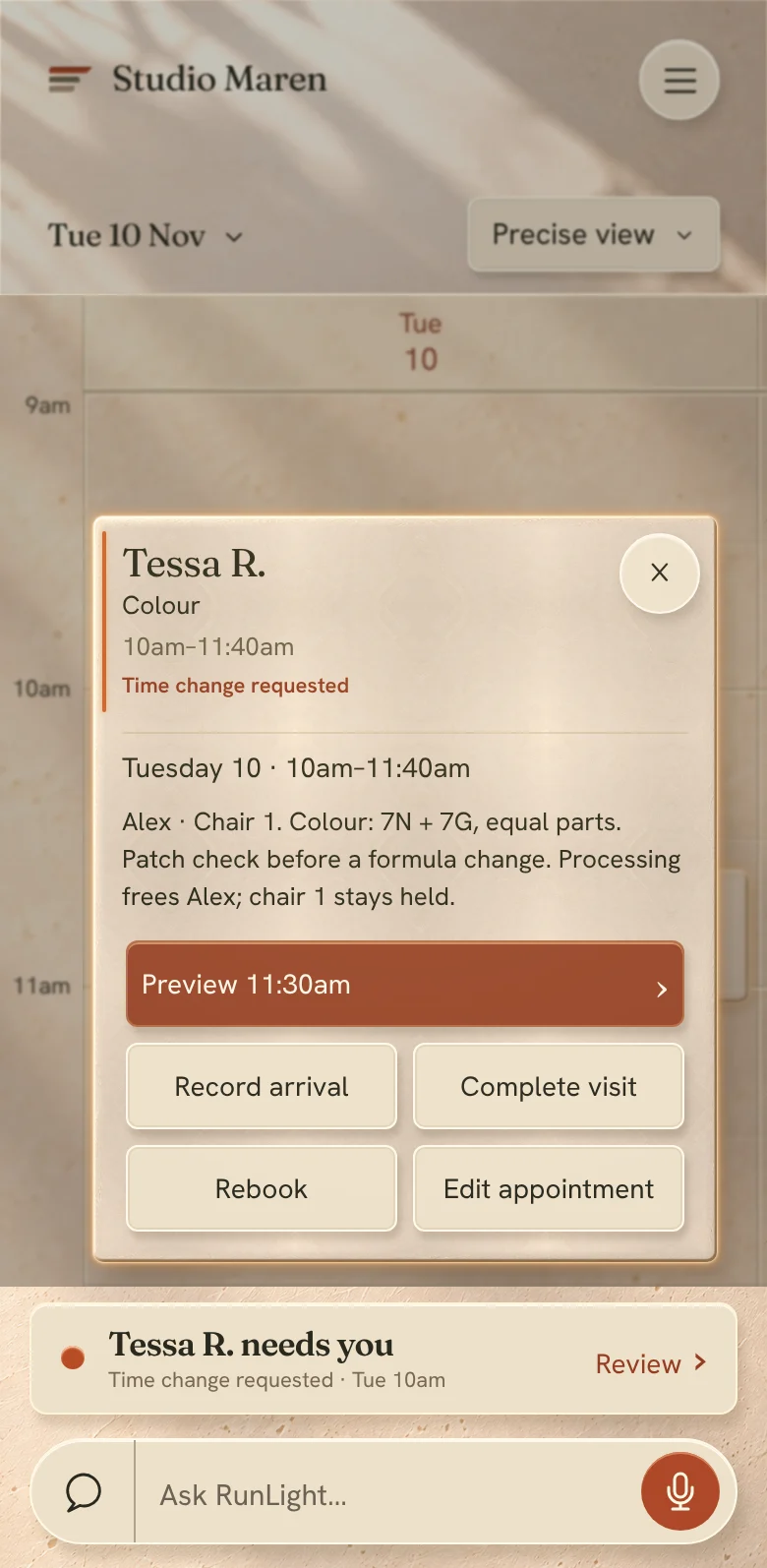
A colour appointment opened: processing frees Alex, chair 1 stays held
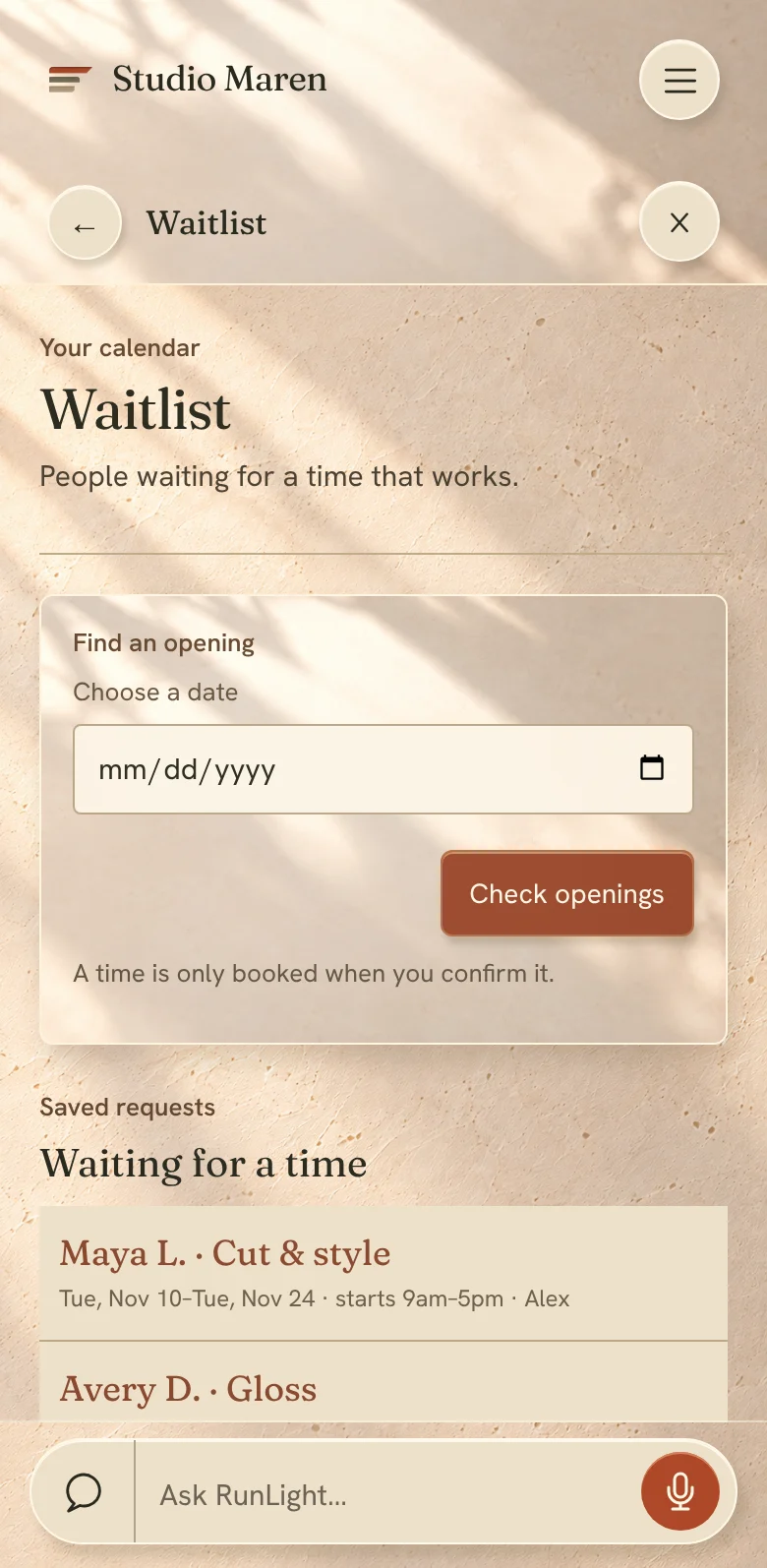
The waitlist: people waiting for a time that works
The calendar

It knows a colour isn’t one block of time.

Processing time frees your hands

While colour develops, you’re bookable for a cut or a gloss. The chair stays held.

Chairs, rooms and people

A lash lift needs the room and the artist. RunLight only offers times when both are free.

A waitlist that fills openings

When a time opens, the right person is offered it first, with a hold that lasts as long as you say.

Classes and group sessions

Seats instead of slots, with the same policies and reminders.

Time away, done once

Block a morning or a fortnight. Online booking, Google and your page all follow.

Clients, notes and history

Formulas, preferences and what was said last time, in front of you when they sit down.

Your policies

Your rules, in plain words, applied every time.

Choose how your salon handles changes, late cancellations, no-shows and deposits. Clients see the same sentence on your page, in their confirmation and from their assistant. RunLight follows it when it offers times.

Clients can change or cancel online up to
Deposit when booking
Late cancellation or no-show
If the salon has to move someone

These are the usual choices. You can also write your own.

What clients read · Studio Maren’s policy

✓Booking page✓Confirmation and reminder✓Clients’ assistants✓Offers RunLight prepares
Keep it, or move in

You don’t have to switch to start.

Free Presence

Keep what you use

Where RunLight connects to your booking tool, it reads your calendar and services and looks after everything around it: your places, your clients’ questions, the bad days and your goals.

Using something else? Start free anyway, and bring your clients and history over by file whenever you like.

RunLight Booking · from CAD $35/month

Move in when you’re ready

  1. Bring it overClients, history and upcoming appointments come across. RunLight shows you anything that didn’t match.
  2. Run both for a weekYour old tool keeps taking bookings while you check the new calendar against it.
  3. Switch on a quiet dayLinks change everywhere at once. Clients with bookings get nothing to do.
Start with Booking
RunLight Payments

Getting paid shouldn’t be the awkward part.

Deposits when clients book, checkout at the chair, tips that go to the right person and payouts to your bank. Powered by Stripe, and kept beside the work it paid for.

An optional add-on to Free Presence or RunLight Booking. Already taking payments with Square? Keep it.

A salon reception desk under an arch, with a card reader on the counter
Tessa R. · Colour + gloss$185.00✓Paid · tip $33 to Alex
At the chair

Check out in the time it takes to sweep up.

The visit already knows the service, the stylist and the deposit. Add anything extra, turn the screen, done. Try it.

Before the visit

Deposits, by your policy

Taken when the client books, shown plainly before they pay, and counted toward the visit. If plans change, your policy decides what happens, and you see it first.

When plans change

Refunds are always your decision

RunLight never moves money by itself. A refund is its own approval, and it shows “not confirmed yet” until Stripe reports it’s gone through.

After the visit

Shares, tips and rent, kept clear

Each payment lands in Earnings against the person who did the work. Commission, tips and chair rent add up per person, per month.

What it costs

One rate. Nothing hiding behind it.

You pay for card processing when you take a payment, and nothing when you don’t. No monthly fee for Payments, no hardware you have to buy from us.

Card payment, in personStripe’s rate · nothing added by RunLight
Card payment, online (deposits, prepaid visits)Stripe’s rate · nothing added by RunLight
Cash and e-transfer you record yourself$0
RefundsYour approval each time · handled by Stripe
Payouts to your bankFrom Stripe, on your Stripe schedule
Monthly fee for Payments$0

Prices in Canadian dollars. Payments depend on separately qualified Stripe setup and are not available here yet.

Already use Square?

Keep taking payments there. RunLight reads what was paid, so deposits, receipts and Earnings stay right without typing anything twice.

SquarePayments stay with Square

Getting set up

  1. Tell Stripe who you areA few minutes, on Stripe’s own secure pages. RunLight keeps your place.
  2. Choose your policyWhich services ask for a deposit, and how much.
  3. Take the first paymentTap to pay on your phone, a reader you already own, or a link by text.
Add Payments
Pricing

Two prices. Neither one counts your stylists.

And one that’s free for as long as you want it. Monthly subscription prices are in Canadian dollars, before applicable sales tax. Subscription checkout, SMS sending and pack purchase are not available yet.

Yours to keep

Free Presence

$0

Not a trial and not a countdown. RunLight for the business you already run, around the booking tool you already use.

  • Your Passport and your RunLight page
  • You approve what the public sees
  • Clients and their assistants get answers from what you’ve published
  • Connect the tools you already use
  • Booking carries on through your current tool, where RunLight supports it
  • Set up and preview your RunLight calendar whenever you’re curious
Start free
One location

RunLight Booking

$35 CAD / month
Unlimitedstylists
200SMS credits a month
1location
  • Everything in Free Presence
  • RunLight is your calendar, with processing time, chairs and rooms
  • Online booking on your page, your site and through clients’ assistants
  • Waitlist, classes and time away
  • No per-appointment fees
Start with one location
Multiple locations

RunLight Booking

$65 CAD / month
Unlimitedstylists
500SMS credits a month, pooled
2+locations
  • Everything in One location
  • One subscription for the whole business, not one per location
  • Each location keeps its own hours, team and listing
  • Openings offered across locations
Start with multiple locations
Texts, in plain words

You pay for texts you send. Never for the ones you get back.

  • One credit is one segment of a text you send. A normal confirmation or reminder is one segment. Replies from clients use none.
  • Your plan’s credits go first and refresh every billing month. 200 with one location, 500 pooled across multiple.
  • Want more? Message packs are planned. 250 for $11, 500 for $20, 1,000 for $38. Purchased credits don’t expire; pack purchase is not available yet.
  • When qualified SMS is available, RunLight will alert you and pause paid texts at zero. It never buys anything automatically.
Add when it helps

Two extras. Each is its own choice.

  • Phone. A planned text-back option for missed calls. Not available yet; pricing to be announced. How Phone works
  • Payments. Deposits, checkout, tips and payouts through your own Stripe account. No monthly fee from RunLight, and nothing added to Stripe’s card rates. About Payments
Work out my textsAn estimator for your own week and your own wording
Texts counted for each appointment

Why a text can use more than one credit

Phone networks carry texts in segments, and each segment you send is one credit. A text of up to 160 ordinary characters is one segment. A longer one is split into segments of 153.

An emoji, or some characters such as curly quotes and certain accented letters, changes how the whole text is carried: then one segment holds 70 characters, or 67 each when it is split. So one emoji can turn a one-credit reminder into two.

250credits$11
500credits$20
1,000credits$38

Message packs are priced in Canadian dollars. Purchased pack credits don’t expire; pack purchase and its tax treatment are not yet available or confirmed.

See it side by sideWhat every plan has, and what RunLight Booking adds
In every plan, including Free Presence
    Billing questionsCancelling, credits, locations, your booking tool’s fees
    RunLight and AI

    Your business, with your assistant.

    RunLight isn’t tied to one AI. Use the one built into the app, bring the assistant you already talk to, and let your clients’ assistants book with you. All of them work from the same approved truth, and none of them can act without a yes from the right person.

    An owner reading at her kitchen table in the morning
    Maren · asking Claude, 7:50

    “What’s tomorrow looking like at the studio?”

    Eleven appointments. Alex is full from 10. Jo has a gap at 1:30 and two people are waiting for it.

    In the app

    Ask RunLight

    The Ask bar is always there. Speak or type, and RunLight answers from your calendar, your Passport and your clients’ history, then prepares the work.

    • “Who hasn’t rebooked since September?”
    • “Move my 3 o’clock to Thursday.”
    • “I’m closing early on the 24th.”
    Your own assistant

    ChatGPT, Claude and more

    Connect the assistant you already use. It sees what you allow and can prepare the same work. Approvals still happen with you.

    ChatGPTClaudeAny assistant that speaks MCP
    Your clients’ assistants

    They can book with you

    When a client asks their own AI about your salon, it gets your real services, prices, open times and policies, and can book with their permission.

    • Only what you’ve published
    • Only that client’s own appointments
    • Your policies apply, word for word
    One business, every assistant

    Ask from anywhere. Get the same true answer.

    Choose who’s asking and where. The words change with the assistant. The facts, the rules and the need for a yes don’t, because every one of them reads the same Studio Maren.

    How RunLight uses AI

    Four promises.

    1

    It works from what’s true

    Answers come from your Passport, your calendar and your records. Each one shows where it came from.

    2

    It says when it doesn’t know

    If the answer isn’t there, RunLight asks you one question. It never fills a gap with a guess.

    3

    It prepares, you approve

    Anything sent in your name, changed in public or involving money waits for your yes, and says exactly what that yes covers.

    4

    Your data stays yours

    Your clients and history belong to your business. RunLight doesn’t sell personal information, and owners can ask for an export or deletion of their workspace data.

    For developers and agents

    One honest model of a business, for software to read.

    RunLight publishes each business’s owner-approved facts in forms agents can use, and exposes booking as a two-step action: prepare, then confirm. If you’re building an assistant, an agent or a site for a salon, start here.

    Connect

    RunLight speaks the Model Context Protocol. There are two doors. The customer endpoint is public: an assistant can find a published business, read it and look at open times with no sign-in, and a client signs in only at the moment of confirming a booking. Owners connect their own assistant from Your AI inside RunLight, and approve exactly what it may see on RunLight’s own consent page.

    Sign-in is OAuth. The protected-resource metadata is at /.well-known/oauth-protected-resource/customer-mcp on the same host.

    Find and read a business

    Only businesses whose owners have approved publication appear, and only the facts they approved. Results come back in a fixed order. They are never a ranking or a recommendation.

    Book

    Booking is observe, prepare, confirm. prepare_exact_booking returns the exact selection and a confirmation prompt to put in front of the client. Nothing is booked. confirm_exact_booking needs the signed-in client, their verified contact and their exact confirmation, and books that selection once.

    1 · observe_booking_availabilityOpen times for one service. Holds nothing.
    →
    2 · prepare_exact_bookingA short-lived intent and the words to show
    →
    3 · confirm_exact_bookingBooked once. Safe to retry.

    Owner tools

    With an owner’s consent, an assistant can read the business, see what needs attention and prepare changes. A plan is not a change: the owner applies it.

    Files for assistants

    If you’re an assistant reading this site to answer a question about RunLight, use the plain files. A published fact is the owner’s approved statement, not a promise of availability right now: observe before you offer a time.

    FileWhat’s in it
    /llms.txtThe short description and the boundaries.
    /llms-full.txtThe long form.
    /runlight.jsonThe same context as structured data.
    /api/runlight/contextThe same context over HTTP, no sign-in.

    Rules of the road

    • Say what you don’t know. A missing fact comes back as unknown. Don’t fill it in.
    • Show the terms. Put the confirmation prompt in front of the person before confirming.
    • Don’t rank. Discovery returns businesses in a fixed order. Don’t present it as a recommendation.
    • Recover, don’t repeat. If a confirmation is interrupted, call recover_booking_outcome. Never start a second booking to be safe.
    • Money is separate. A booking never implies a payment, and a payment never implies a refund.

    Errors and help

    Every tool returns one of a small set of error codes. The ones you’ll meet most:

    CodeWhat to do
    reference_expiredObserve or prepare again. References are short-lived on purpose.
    exact_selection_changedThe time or terms moved. Show the client the new selection.
    authentication_requiredSend the client through sign-in, then confirm.
    current_capability_unavailableThis business can’t take that booking here right now. Say so.
    rate_limitedSlow down and retry later.

    Use of the tools is covered by the Terms. Questions: hello@runlight.ca.

    Questions

    Ask us anything.

    Leave account details out of public search. For your account, continue in private owner support.

    What is RunLight, in one sentence?

    It looks after your whole salon: it keeps your details right everywhere, answers and books your clients, organises the team’s work and gets the bad days handled, with you approving what matters.

    How do I start?

    Type your salon’s name. RunLight finds what Google, your website and Instagram already say, shows you where they disagree, and asks you one question at a time.

    Does signing in publish my business?

    No. Your details stay private until you review and approve publication, and RunLight can verify that you can represent the business.

    What will I see when I first sign in?

    Your own business and nothing else. A new workspace starts empty: your business page helps you get going, Today shows appointments recorded in RunLight, and Needs you shows what wants your attention.

    How long does setup take?

    Most of it is answering “is this right?” about things RunLight has already found. You can stop any time and pick up where you left off.

    Is my kind of business a fit?

    Hair, nails, barbering, lashes, brows and mixed studios, whether you’re solo, a team, in a suite or across several locations. The For your business page shows each one.

    I already use a booking app. Do I have to switch?

    No. Keep it. Free Presence works around the booking tool you have, and booking carries on through it wherever RunLight supports that tool. Square Appointments and Acuity connect; a Phorest connection is in development. If you ever want RunLight Booking, your clients and history come with you.

    What happens to my existing bookings if I move in?

    They come across with your clients and history. You can run both for a week to compare, then switch on a quiet day. Clients with bookings don’t have to do anything.

    My tool isn’t on your list.

    Start with Free Presence anyway. You can bring clients and history over by file, and RunLight still keeps your places right and answers questions from your Passport.

    Will RunLight message my clients without asking me?

    SMS sending is not available yet. When qualified messaging is available, routine messages require your approval and anything written fresh in your name waits for your review.

    What do my clients need to install?

    Clients do not need to install RunLight. They can use a supported booking channel or their own assistant where available. SMS sending is not available yet.

    How do texts work?

    SMS sending and reply routing are not available yet. The planned one-location plan includes 200 monthly SMS credits; the multiple-location plan includes 500 pooled credits. Incoming replies and STOP requests use no credits.

    What is an SMS credit?

    One credit is one segment of a text you send. A text of up to 160 ordinary characters is one segment, so most confirmations and reminders use one credit. A longer text is split into segments of 153 characters and uses a credit for each. An emoji, or some characters such as curly quotes and certain accented letters, changes how the whole text is carried: one segment then holds 70 characters, or 67 each when it is split. Texts your clients send back use no credits.

    What happens if I run out of credits?

    When qualified SMS sending is available, RunLight will alert you and pause paid texts when credits run out. It will never buy a pack automatically. Included credits refresh each billing month. SMS sending and pack purchase are not available yet; incoming replies, where supported, use no credits.

    How many SMS credits will I use?

    It depends on how many appointments you take, which texts you send for each, and how long they are. These are estimates, counting a confirmation and a reminder for every appointment, each short enough to be one segment, and about four and a third weeks in a month. At 20 appointments a week: about 175 credits a month, inside the 200 that come with one location. At 40 a week: about 350, roughly 150 over, which a 250 pack covers. Across multiple locations taking 100 a week between them: about 870, roughly 370 over the pooled 500, which a 500 pack covers. Longer texts, emoji, waitlist offers and outgoing replies would add to this. Incoming replies use no credits. These are estimates; SMS sending and pack purchase are not available yet.

    What are message packs, and what do they cost?

    Extra SMS credits for when you want more than your plan includes: 250 credits for $11, 500 for $20 or 1,000 for $38, in Canadian dollars. Your plan’s monthly credits are used first, and purchased pack credits don’t expire. Pack purchase and its tax treatment are not yet available or confirmed.

    A client has a question about their visit. Who do they contact?

    You. A visit, a service or a cancellation is between the client and your business, through your published details. RunLight support is for owners, about RunLight itself. The two go to different places.

    What is the Phone add-on?

    Phone is a planned optional add-on, not available yet. The intended text-back experience and its price require separate qualification and approval.

    Can clients book through ChatGPT or Claude?

    Yes. Their assistant gets your real services, prices, open times and policies from RunLight, and books with their permission. You’re told, not asked.

    Who sets the cancellation and deposit rules?

    You do. Pick from the usual choices or write your own. Clients read the same sentence everywhere, and RunLight follows it.

    Does the calendar understand processing time?

    Yes. While colour develops you’re bookable for something short, and the chair stays held.

    What does RunLight cost?

    Free Presence is $0. RunLight Booking is CAD $35 a month for one location, or $65 a month for multiple locations. Both come with unlimited stylists and SMS credits that refresh each billing month: 200 for one location, 500 pooled across multiple. No per-appointment fees. Monthly subscription prices are in Canadian dollars, before applicable sales tax; subscription checkout is not available yet.

    What do I get with Free Presence?

    Your Passport and RunLight page, control over what the public sees, answers for clients and their assistants from what you’ve published, connections to the tools you already use, and booking through your current booking tool wherever RunLight supports it. You can also set up and preview your RunLight calendar. It’s an ongoing part of RunLight, not a trial.

    Does paying switch booking on?

    No. A subscription doesn’t activate booking by itself. Setting up your calendar and your explicit approval are separate steps, so nothing goes public before you’ve seen it.

    Do I pay for each stylist?

    No. Stylists are unlimited on both plans. Add everyone.

    Do I have to use RunLight Payments?

    No. It’s optional. Keep Square or whatever you use now.

    Can RunLight refund a client by itself?

    No. Money never moves without you. A refund is its own approval, and it shows as confirmed only when the payment provider reports it.

    What if I cancel RunLight Booking?

    Cancelling stops the renewal. Your paid access carries on to the end of the term you’ve paid for. After that RunLight stops taking new bookings, and your existing appointments, your history, your export and Free Presence all stay.

    Can each person see only their own day?

    Yes. You choose what each person sees: their own day, the whole floor, or nothing about money.

    How do commission, tips and chair rent work?

    Earnings starts from each receipt: who did the service and who gets the tip. Shares and rent follow what you’ve agreed, per person and per month.

    What if someone’s off sick?

    Tell RunLight. It works out who can move to someone else at the same time and who gets a new time, and lays it out for you to approve item by item. Nobody is moved without saying yes.

    Which AI does RunLight use?

    RunLight isn’t tied to one. Ask in the app, or connect the assistant you already use. They all work from the same approved facts.

    Can an AI change my business without me?

    No. Assistants can read what you allow and prepare work. Anything sent in your name, changed in public or involving money waits for your yes.

    Do I have to use chat for everything?

    No. A conversation is good for saying what you need. A calendar is better for timing, a form for missing details, and a review screen for checking a change. The app runs your day without any AI connection.

    What happens when I move from my assistant to RunLight?

    The business and the task come with you. The RunLight screen checks who’s signed in, which business and location, and whether anything has changed since. Moving between screens never grants permission or approves anything.

    What if I lose a reply or leave partway through?

    A missing reply doesn’t mean the change failed. Go back to the same request and check its outcome before starting another. RunLight checks the original request; it doesn’t rely on what an assistant remembers.

    Does connecting a service turn everything on?

    No. Booking, payments and messages each have their own setup and permissions. Connecting an assistant or a service doesn’t switch any of them on.

    What if RunLight doesn’t know the answer?

    It says so and asks you one question. It never fills a gap with a guess.

    Who owns my client list?

    You do. Your clients and their history belong to your business, and owners can ask for an export or deletion of their workspace data.

    Does RunLight sell personal information?

    No.

    What happened to the RunLight Review?

    The paid, founder-delivered Review has retired. If you bought one and need help, contact support with the date and the email address you used.

    Still wondering?

    Write to us and a person answers.

    Contact support
    Support

    A direct line to RunLight.

    Prepare a note about what you were trying to do, what happened, and where in RunLight you were.

    You’re a client of a salon

    About a visit, a service or a cancellation

    Contact the business through its own published details. They hold your appointment and decide their policies. RunLight support can’t change a booking for you.

    Who do I contact for what?
    You run the business

    About RunLight, your account or your workspace

    Email us for product, account, billing, privacy or accessibility help. Do not email passwords, tokens, card details, customer records or raw logs.

    hello@runlight.ca
    Prepare a note

    A good note explains what happened.

    Build it here, read it, then copy it or open it in your email. Preparing a note sends nothing and creates no support case.

    When you need to check an outcome

    When a booking reply is missing

    Keep the original booking request and return to its existing recovery controls. A support reply cannot confirm, retry, replace or resolve an unknown booking outcome.

    Continue in private owner support
    A billing question

    Open RunLight billing to read the retained operation and continue its existing review and recovery flow. Subscription evidence does not establish booking authority. A support response does not confirm a charge, refund or cancellation.

    Continue in private owner support
    Moving existing information

    Return to the original import batch and inspect its current review and recovery state. Preserve the batch identity and existing approval. Do not send raw source rows or files to product support.

    Continue in private owner support
    A payment needs checking

    Return to the original payment recovery. Booking, payment and refund outcomes remain separate. An unknown outcome needs reconciliation of the same operation; a support answer does not settle the obligation.

    Continue in private owner support

    Leave these out

    • Passwords and access tokens
    • Payment-card details
    • Customer records and private messages
    • Client photos
    • Raw error messages and private links

    Privacy or security concern

    Put “Privacy” or “Security” in the subject line. Do not include sensitive evidence in email.

    Read the privacy policy

    If something was interrupted

    A missing reply doesn’t mean a change failed. Go back to the same request and check its outcome before starting another. Recovery pages can prepare your support note for you.

    Lost a reply?

    Bought the earlier RunLight Review? It has retired. You can include the purchase or submission date and the email address you used.

    Privacy